How to Encrypt Your iPhone — What It Means and How to Enable It
Understanding iPhone data encryption, secure local backups, and app-level locking to keep your personal information safe from unauthorized access.
Are all iPhones encrypted? Yes. Modern iPhones use full-disk encryption by default. As long as you have a passcode, Touch ID, or Face ID enabled, your device’s internal storage is encrypted via Apple's Secure Enclave. To encrypt backups, you must manually check the "Encrypt local backup" box in Finder/iTunes, or use Advanced Data Protection for iCloud.

How Does iPhone Encryption Work?
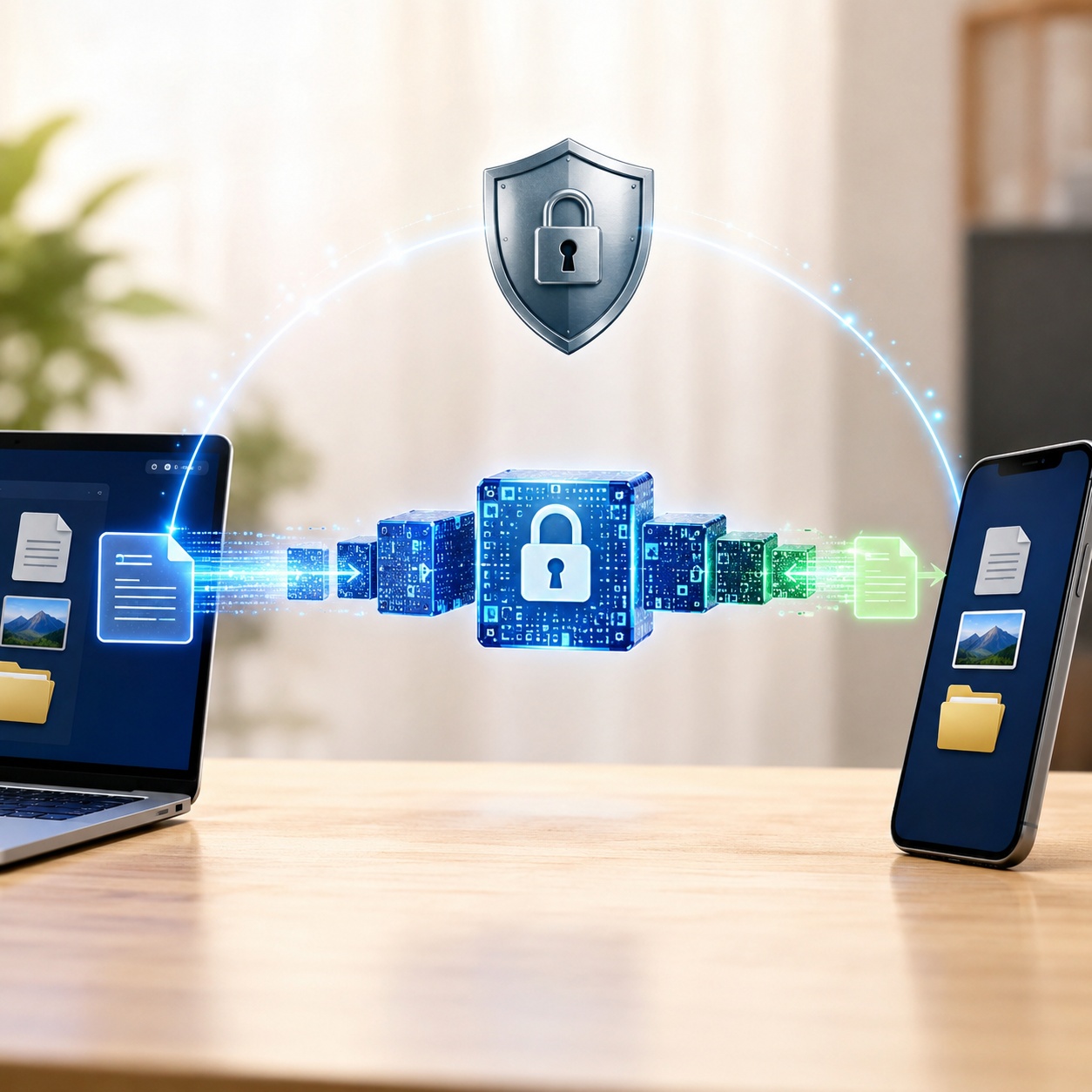
When you ask "Can I encrypt my iPhone?", the good news is that Apple has done the heavy lifting for you. Since iOS 8, Apple has tied hardware and software together to protect your data automatically.
Every modern iPhone contains a dedicated chip called the Secure Enclave. When you set a passcode, this chip generates cryptographic keys that scramble the data on your phone's flash storage. Without your passcode (or biometric equivalent like Face ID), the data is mathematically unreadable, meaning firewalls are used to encrypt transmission of data, but the Secure Enclave handles data at rest.
What Does Encrypt iPhone Backup Mean?
While the phone itself is encrypted, your backups might not be fully protected unless you specify it. What is encrypt iPhone backup? It means locking the backup file stored on your PC or Mac with a password. If you don't enable this, sensitive data like your saved passwords, health data, and Wi-Fi settings will not be included in the backup for security reasons. A significant percentage of people who encrypt iPhone backups do so specifically to transfer their passwords to a new device securely.
How to Encrypt Your iPhone Data: Built-In Methods
1. Enable the Base Layer: Device Passcode
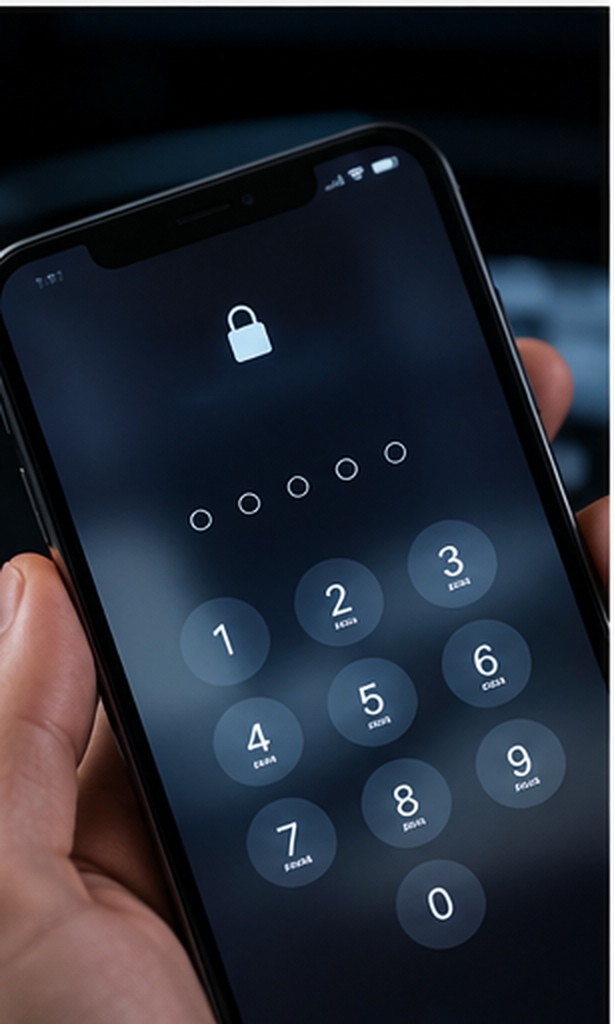
If you don't have a passcode, your iPhone is not encrypted. Setting one up is the absolute minimum requirement for mobile privacy settings.
-
Step 1: Open Settings
Navigate to Settings > Face ID & Passcode (or Touch ID & Passcode).
-
Step 2: Turn Passcode On
Tap "Turn Passcode On" and create a strong 6-digit PIN or alphanumeric password.
-
Step 3: Enable Erase Data (Optional but recommended)
Scroll to the bottom and enable "Erase Data" to automatically wipe the phone after 10 failed passcode attempts.
2. How to Encrypt iPhone Backup via Finder/iTunes
If you prefer local backups over cloud storage, you must encrypt them manually.
-
Step 1: Connect your device
Plug your iPhone into your Mac or PC and open Finder (macOS Catalina or later) or iTunes.
-
Step 2: Select "Encrypt local backup"
Under the General tab (Finder) or Summary tab (iTunes), check the box next to "Encrypt local backup".
-
Step 3: Set a strong password
Create a password you won't forget. Warning: If you lose this password, there is no way to recover your backup.
3. Are Notes Encrypted on iPhone?
By default, Notes are protected by the device passcode. However, you can add a secondary lock to specific notes. Open the note, tap the share/options icon, and select "Lock Note". You can use Face ID or a custom password for this.
When Native Encryption Isn't Enough
Apple's built-in encryption is fantastic for device theft. However, it operates on an "all or nothing" principle. Once the phone is unlocked, all apps and files are accessible. If you hand your unlocked phone to a child or a friend, your photos, financial apps, and private files are vulnerable.
Of all the options we covered for secondary protection, here is why we recommend Folder Lock for isolating specific private files on iOS.
Beyond Basic Hiding
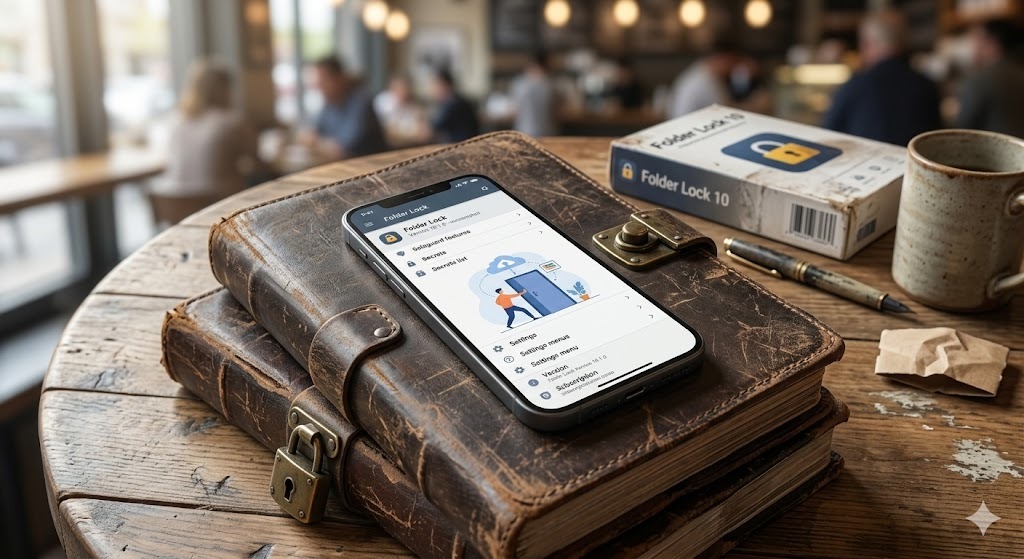
Unlike Apple's native "Hidden Album," this application moves media entirely out of the Camera Roll, requiring a separate master credential to access your secure media and documents.
Private Web Browsing
It features an isolated, secure browser built directly into the vault. This ensures your search history and private downloads never appear in your standard Safari history.
Active Hack Monitoring
If someone tries to guess your secondary vault PIN, the app actively logs these unauthorized entry attempts, allowing you to monitor potential snooping.
Local Wi-Fi File Transfers
You aren't forced to use iCloud to move sensitive files. The app includes a wireless transfer tool that lets you move files directly to a PC or Mac over your local network.


Folder Lock: Free vs. Pro Capabilities
Most users can begin protecting their data without spending anything. The application utilizes a standard freemium model, meaning the core vault features are available to everyone, with advanced limits removed in the paid tier.
| Capability | Free Version | Pro Version ($39.95) |
|---|---|---|
| Secure Cloud Storage Capacity | 1 Gigabyte limit | Unlimited capacity |
| Cross-Device Synchronization | Sync up to 2 active devices | Sync up to 5 distinct devices |
| Secure Account Sharing | Unlimited users | Unlimited users |
| Advanced OS Integration | Basic mobile application features | Full Folder Protection & File Shredding included |
Editorial Note: The free tier is perfectly adequate for users wanting to lock a handful of personal photos or text notes. If your goal is to synchronize a large library of sensitive documents across your iPhone, Windows PC, and Mac, the unlimited tier quickly becomes necessary.
iPhone vs Android: Which Is More Encrypted?
A common search is "do modern ios and android phones use full-disk encryption by default?" The answer is yes. Both platforms now encrypt data automatically. However, Android often utilizes File-Based Encryption (FBE) allowing different files to be unlocked with different keys, whereas iOS relies heavily on the Secure Enclave and data protection classes. When comparing biometric vs PIN app locking, both platforms offer APIs, but iOS restricts third-party apps from locking native system apps.
| Method | Difficulty | Security Level | Best For | Limitations |
|---|---|---|---|---|
| Native Device Passcode | Easy | High (Full Disk) | Lost/stolen phone protection | Useless once phone is unlocked |
| Finder/iTunes Encrypted Backup | Medium | High (AES-256) | Protecting exported data | Must remember password |
| Native Notes/Photos Lock | Easy | Medium | Basic hidden content | Can't hide the app itself |
| Folder Lock (Third-Party) | Easy | High (App Level) | Specific private files, photos, wallets | Cannot lock OS-level settings |

Mobile Privacy Settings Audit Checklist
Use this interactive checklist to verify your device's security posture.

What happens if I delete my vault app?
A crucial mistake many users make is uninstalling their third-party security application to save storage space, assuming their hidden photos or documents will safely return to the iOS Camera Roll or Files app. Because iOS sandboxes application data, removing an encryption app permanently erases everything stored inside its secure container. Always export your secured items back to your standard storage, or ensure they are backed up to the cloud via the app's sync feature, before initiating an uninstallation.

How to recover access to a native locked folder
If you forget the password for your Finder/iTunes encrypted backup, Apple cannot reset it for you. Does erase all content and settings delete encryption keys iphone? Yes. Doing a factory reset destroys the current encryption keys, effectively wiping the data. You can set up the phone again, but you cannot restore the locked backup without the password.
Frequently Asked Questions
Topics
- Device Encryption
- Backup Protection
- App & File Locking
Is my iPhone encrypted by default?
Yes. As long as you have set up a passcode, Touch ID, or Face ID, your iPhone utilizes full-disk hardware encryption via the Secure Enclave.
How to check if my iPhone is encrypted?
Go to Settings > Face ID & Passcode. Scroll to the very bottom. You should see text that says "Data protection is enabled."
What does end-to-end encryption on iPhone mean?
End-to-end encryption means the data is encrypted on your device and can only be decrypted on the receiving device. Even Apple cannot intercept or read the data (used in iMessage, Health data, and iCloud Advanced Data Protection).
Can you lock individual apps on iPhone without Screen Time?
Natively, iOS uses the Screen Time feature or Shortcuts automation to lock apps. For true secure sandboxing, using a dedicated secure folder app is the most reliable method for specific files.
Should you encrypt iPhone backups?
Yes. Encrypting your backup is the only way to ensure health data, saved Wi-Fi passwords, and website credentials transfer securely to a new device when restoring.
The Bottom Line
Securing your digital life starts with understanding the tools you already have. Your iPhone is highly secure out of the box thanks to native hardware encryption. By ensuring your passcode is strong and checking the "Encrypt local backup" box, you protect yourself against the vast majority of threats.
However, for scenarios where you need to share your unlocked phone with others, or simply want an isolated vault for sensitive documents, financial data, and private browsing, supplementing Apple's ecosystem with a dedicated vault is the smart choice. We recommend Folder Lock for its straightforward interface and reliable protection mechanisms.